

Can I re-translate after editing the source video?
Once a dub is finished, the source video and its dub are tied together. If you go back and re-cut, re-shoot, or substantially change the source, you can’t replace the source on an existing dub — you’d need to start fresh.
Why you can’t replace the source
Section titled “Why you can’t replace the source”A finished dub is built from many tightly connected pieces:
- The transcription of the original audio
- Translations into each target language
- Voice clones tied to the source speakers
- Per-segment timing aligned with the source video
- Lip-Sync output keyed to specific frames If you replace the source video, all of those become stale. The transcription points at audio that’s no longer there. The lip-sync targets faces in frames that are now different. Re-aligning everything to a new source is essentially the same work as creating a new dub.
Small wording change in one or two segments
Section titled “Small wording change in one or two segments”If your edit was small — fixed a typo in your script, replaced a word, removed a brief mistake — and the audio length is roughly the same, you can fix it inside the existing dub:
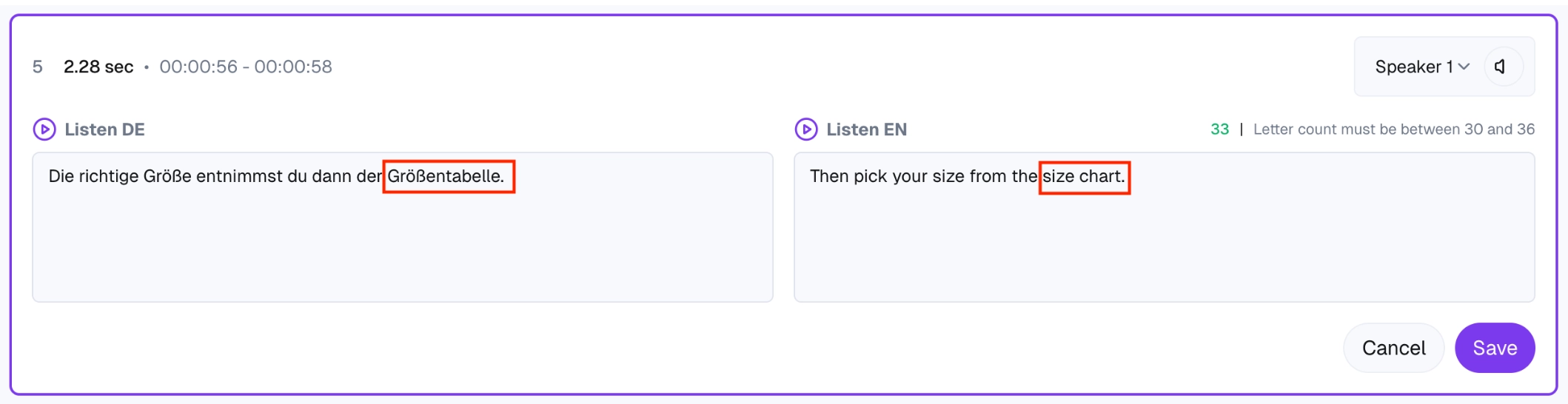
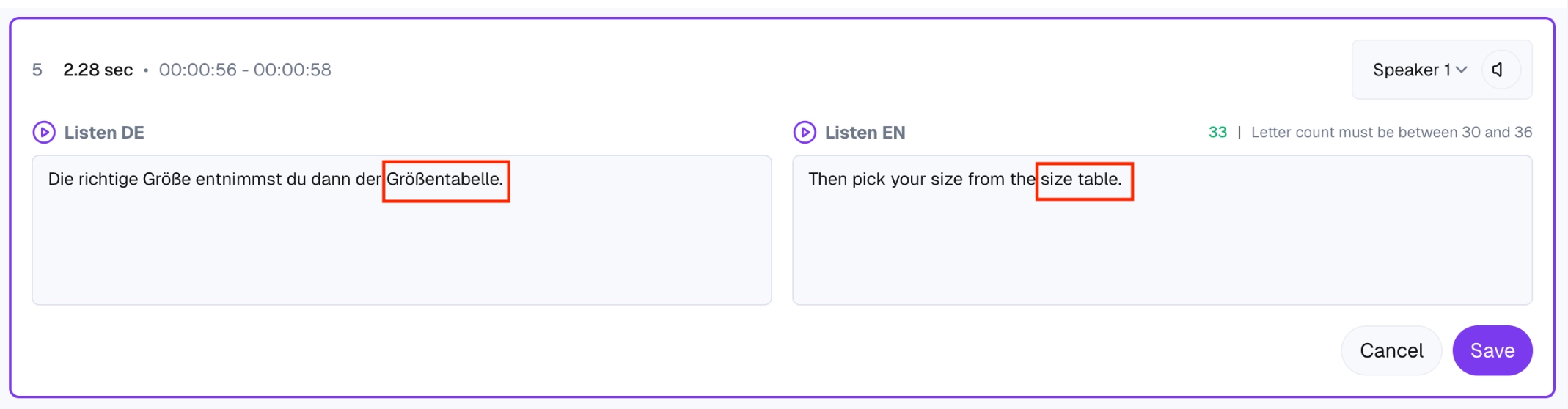
- Find the affected segment(s) in your existing dub.
- Edit the original text or the translated text to match the new content.
- Save. The audio regenerates for that segment.
This avoids re-rendering the whole video. See Editing a segment: original text and translation for the specifics.
Substantial re-cut, re-shot footage or new sections
Section titled “Substantial re-cut, re-shot footage or new sections”If the source video itself is different (sections cut, new clips added, total length changed):
- Upload the new source as a brand-new dub.
- Pick the same source and target languages.
- Reuse your custom voices, Translation Styles, and glossary if they’re configured at the project or account level — the new dub picks them up automatically.
- Re-link any external share links (the old dub’s link won’t show the new content).
Tips to avoid the problem
Section titled “Tips to avoid the problem”- Lock the source before dubbing. Make all your video edits — color, cuts, audio mix — before uploading. Dubly.AI is best run as the last step in your post-production, not in parallel with editing.
- For series and recurring videos, use Projects so you can reuse Translation Styles and custom voices across new dubs without reconfiguring.
- Keep a checklist of what’s tied to a specific dub (share links, embeds, downstream uploads) so you know what to update if you have to recreate it.